Property concept 01Creator home walkthrough
AI property video studio
YOUR LISTING.
DIRECTED.
Turn listing photos into cinematic property videos—without a camera crew, a blank timeline, or hours of guesswork.
Airbnb + Zillow links · Storyboard first · Model-flexible rendering
Demo data Example creator activity
2,418Photos selected
386Storyboards built
104Pitch packs shared
31Sample reels queued
From listing link to first cut
THE WORKFLOW BETWEEN
THE PHOTO AND THE REEL.
ReeltyHQ gives creators a point of view before a video model touches the first frame. Import the listing, shape the story, then render with intention.
See a sample projectSelected photos12 / 34
 1
1 2
2 3
3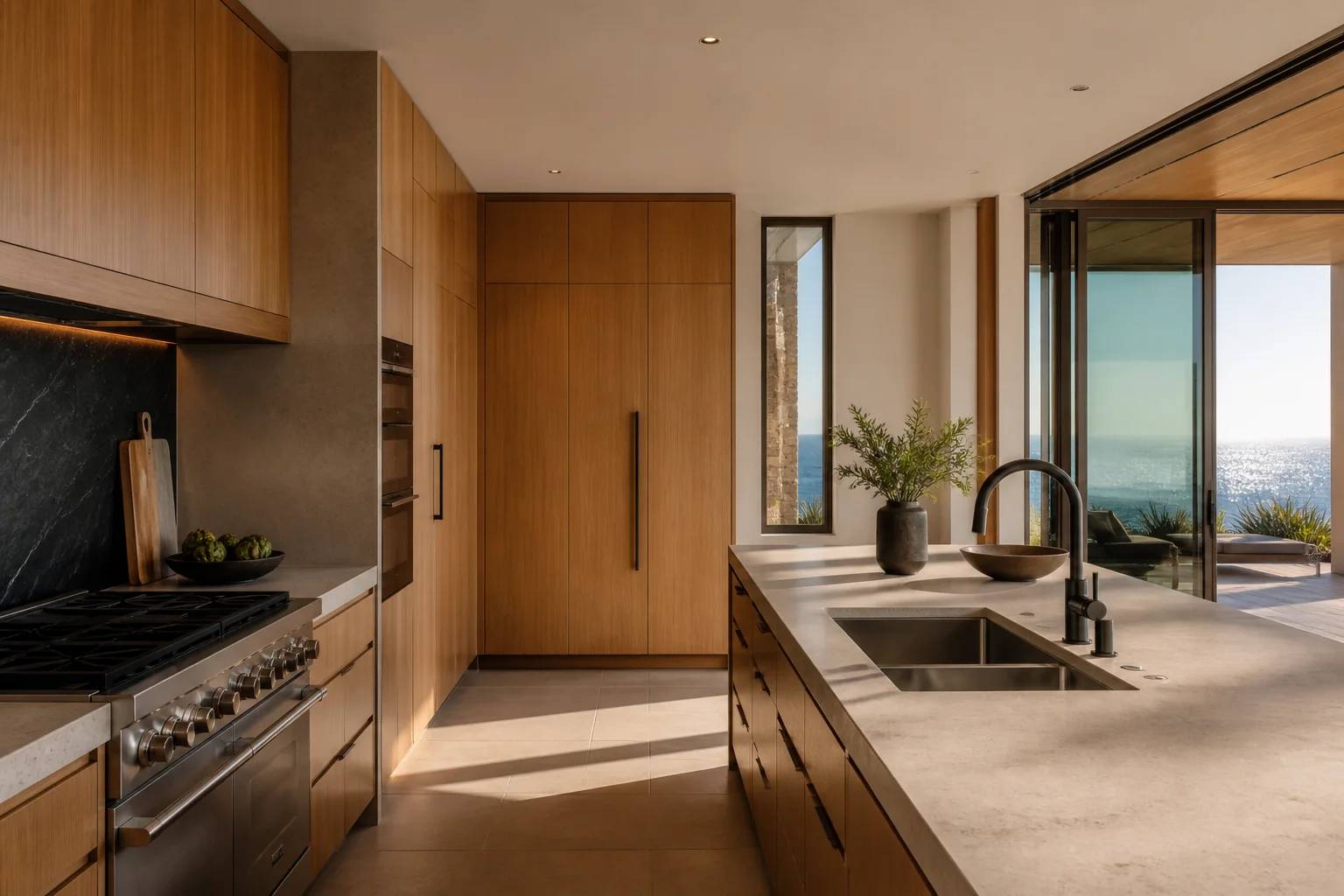 4
4Creative direction
Warm desert arrival
Slow, grounded movement. Let the late-afternoon light sell the stillness before revealing the interior.
Gentle push through the entry, preserve architecture, natural parallax…
01Arrival
02Living
03Kitchen
04Suite
05Sunset
See the full run
FROM LISTING LINK
TO A FINISHED CUT.
Watch an original ReeltyHQ property cut, then open the interactive demo to explore the workflow at your own pace.
Explore the ReeltyHQ demoOriginal ReeltyHQ property film
The finished feeling
STILL PHOTOS.
NO LONGER STILL.
Explore property-motion references across interiors, exteriors, arrivals, and closing shots. Tap any frame to play.
ListingRizz showcase referencesProperty concept 02Creator villa walkthrough
Property concept 03Creator home walkthrough
Property concept 04Creator villa walkthrough
Property concept 05Creator home walkthrough
Property concept 06Creator home walkthrough
Property concept 07Creator villa walkthrough
Property concept 08Los Angeles home walkthrough
Property concept 09Creator home walkthrough
Property concept 10Creator stay walkthrough
Property concept 11Creator villa walkthrough
Property concept 12Creator stay walkthrough
Direction before generation
DON'T JUST ANIMATE IT.
GIVE IT A STORY.
Every project moves through three clear stages, so you can approve the idea before spending a cent on video generation.
01 Source
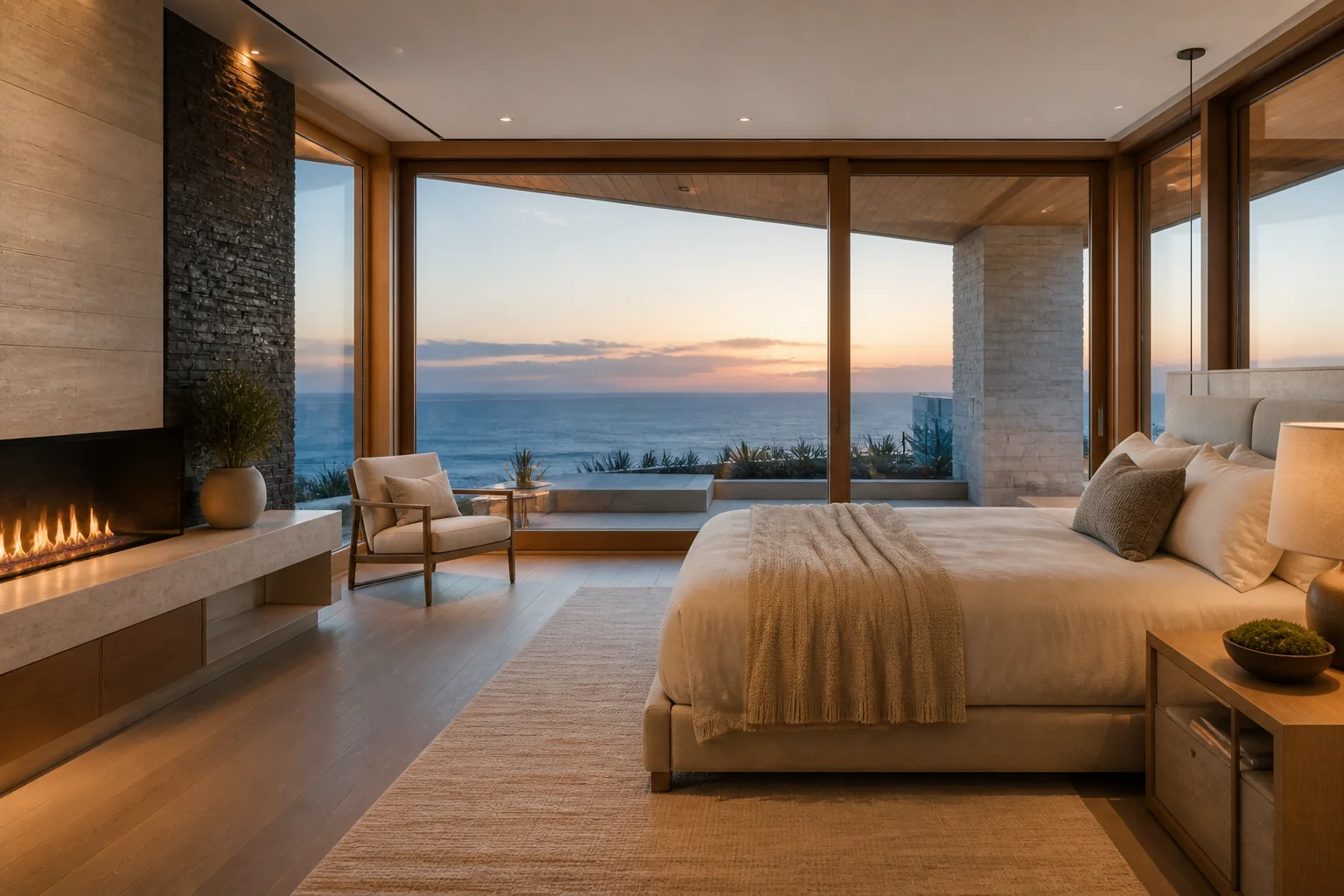
92Visual score
Choose the frames that matter.
ReeltyHQ helps rank composition, light, variety, and story value—not just image size.
02 Direction
Shot03 · The reveal
MotionSlow dolly + light parallax
OverlayDesert calm, ten minutes from town.
Preserve window lines. Move forward gradually. Warm natural light, cinematic restraint.
Approve the edit on paper.
Control pacing, motion, captions, and shot order before any provider starts rendering.
03 Output
9:16 · 4K
SPACE TO
EXHALE.
EXHALE.
Deliver every version.
Review the final sequence, then export vertical, horizontal, and square formats from one project.
Two sources. One workflow.
FIND THE LISTING.
WE'LL FIND THE STORY.
airbnbShort-term rentals
Joshua Tree, CaliforniaDesert retreat with pool4 guests · 2 beds · 2 baths
94Reel potential
Turn stays into desire.
Organize amenities, atmosphere, and guest experience. Build a reel that makes the next weekend feel bookable.
- Amenity and experience scoring
- Host-focused pitch pack
- Reels-first story templates
ZILLOWHomes for sale
Austin, Texas$1,275,0004 beds · 3 baths · 2,980 sq ft
89Reel potential
Make the first showing happen sooner.
Organize the property around its most persuasive details and give agents a concept they can see immediately.
- Property detail extraction
- Agent-ready concept links
- Multi-format delivery
How it works
FIVE MOVES.
ONE FINISHED REEL.
No maze of generation settings. ReeltyHQ keeps creative decisions visible and expensive actions deliberate.
Paste
Drop one Airbnb or Zillow listing link into your ReeltyHQ workspace.
Select
Review the property details and choose the photos that carry the edit.
Direct
Set the format, pace, tone, motion, and on-screen story.
Render
Send approved scenes through the connected video model.
Deliver
Review the cut, export every ratio, and share a client-ready link.
One link. No extension.
THE STUDIO
STARTS WITH A LINK.
Paste an Airbnb or Zillow listing URL into ReeltyHQ. Review the property, choose the photos you are allowed to use, and start directing without installing anything.
Works in any modern browser Imports one listing at a time Property uploads stay available
Start a listing project reeltyhq.com/app/new
RHQ
Listing ready91Reel potential
Strong visual varietyDesert retreat34 photos found
12 recommended for a 20-second reel.
1 2
2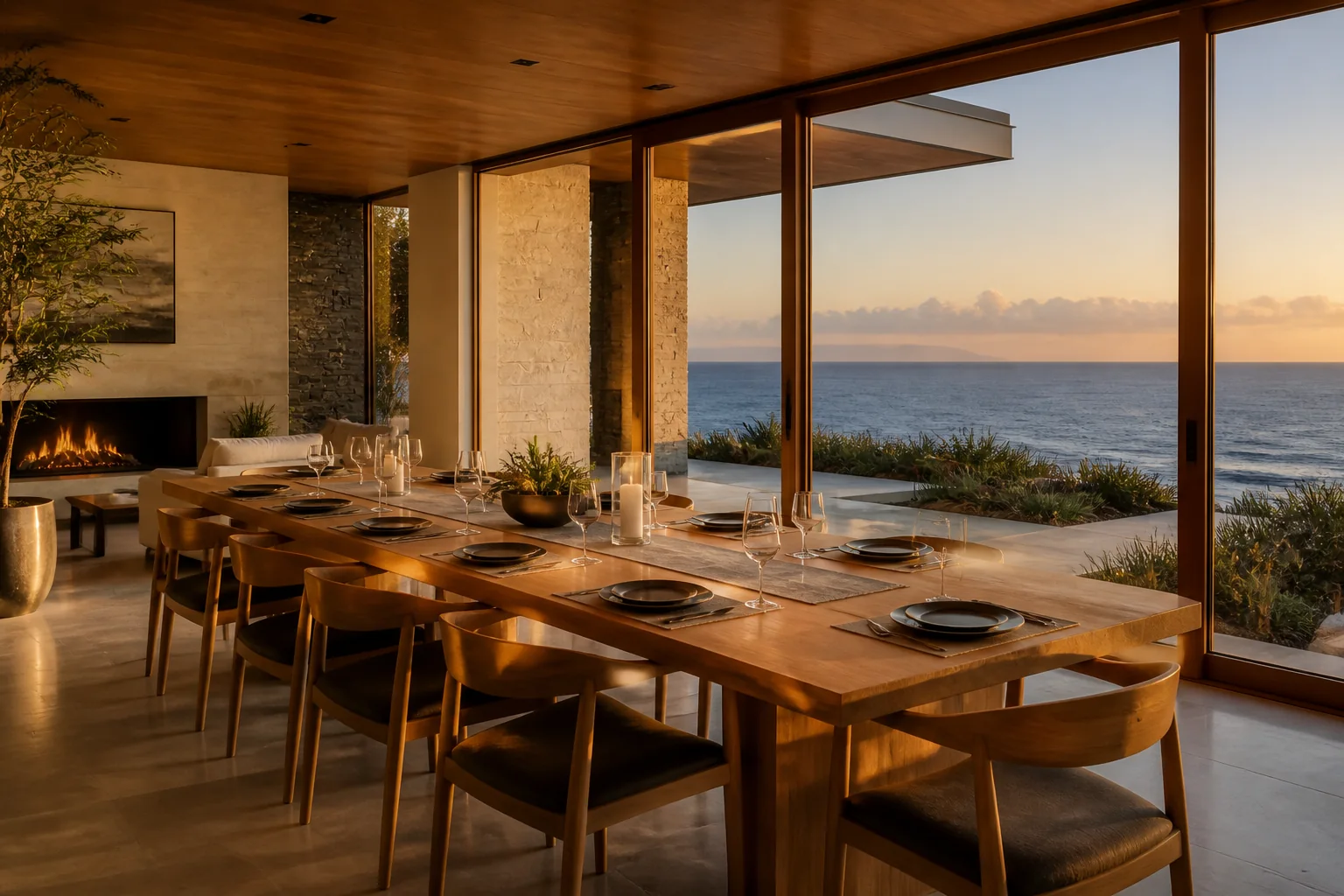 3
3Built for the pitch
SHOW THEM
WHAT YOU SEE.
Creators, editors, agents, and small studios use a finished concept to make the opportunity tangible before asking for the brief.
Concept 01Hospitality reels
Concept 02Agent content
Concept 03Property stories
Concept 04Listing launches
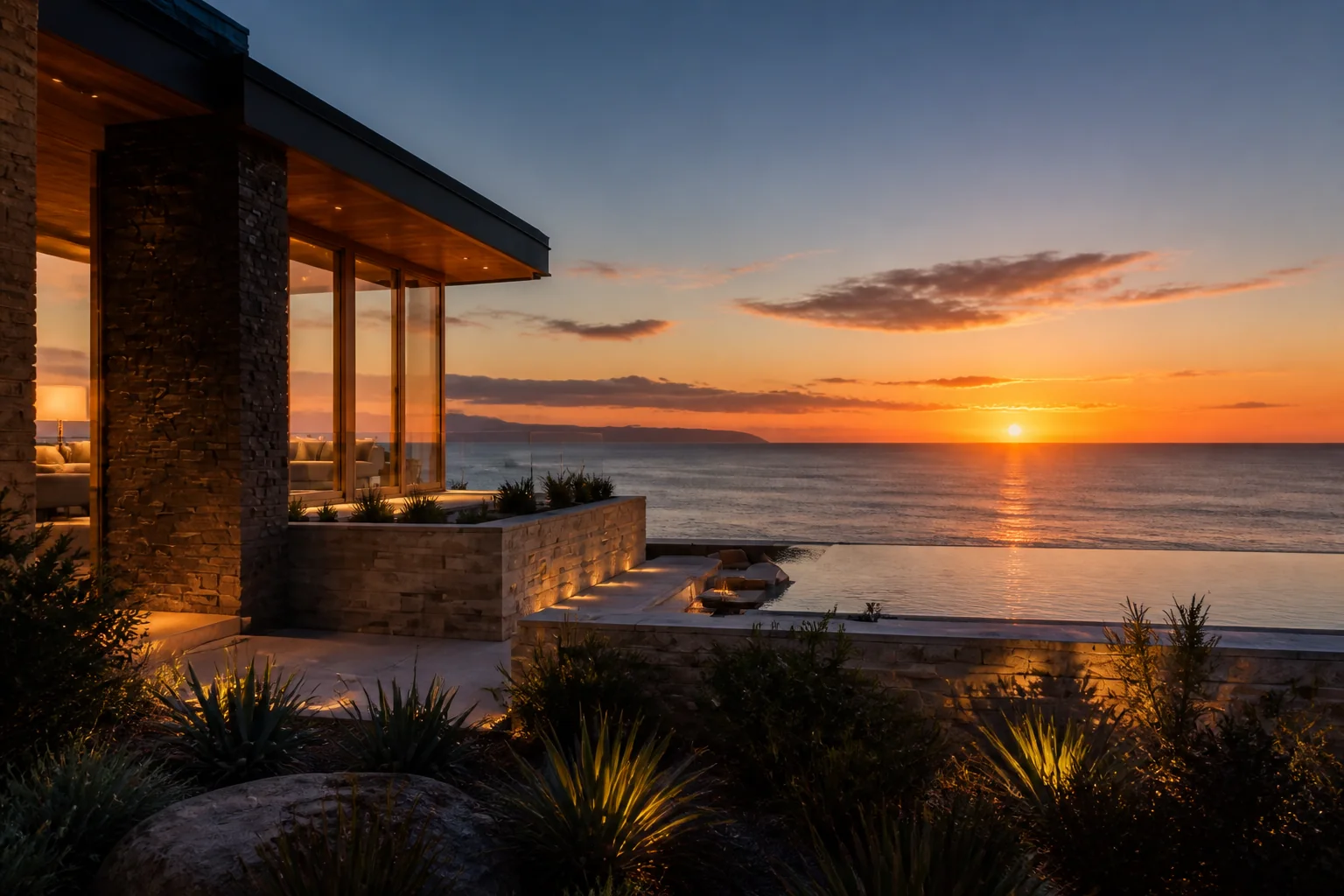
Concept 05Travel edits
Original ReeltyHQ property concepts · one listing, multiple campaigns
Simple pricing
START WITH THE IDEA.
SCALE WHEN IT WORKS.
Create a workspace for free. Before each paid render, ReeltyHQ shows the model, duration, billing source, and exact credit estimate.
Explorer
$0
Import a listing and build your first sample project.
- Airbnb and Zillow link import
- Photo selection workspace
- 3 AI storyboard attempts monthly
- Video generation requires a paid plan
Creator
$29/ month
Run the complete ReeltyHQ workflow with video billed to your own supported provider account.
- Listing import and photo uploads
- 20 AI storyboard + 20 Script attempts monthly
- One finished MP4 with smooth transitions
- Encrypted Agnes, fal, Higgsfield, and WaveSpeedAI BYOK connections
Director
$99/ month
Generate client-ready property motion without managing a separate model account.
- Creator workflow with larger AI allowances
- 300 video-generation credits monthly
- 40 AI storyboard + 40 Script attempts monthly
- Example: 8 Veo 3.1 Lite or 4 Veo 3.1 Fast reels*
Studio
$249/ month
More generation credits and AI direction for creators producing at volume.
- Director workflow with larger AI allowances
- 900 video-generation credits monthly
- 100 AI storyboard + 100 Script attempts monthly
- Example: 26 Veo 3.1 Lite or 13 Veo 3.1 Fast reels*
What your credits cover
Google Veo 3.1 Lite uses 1 credit per generated second and Veo 3.1 Fast uses 2. Six scenes with smooth transitions need 34 generated seconds for a finished 30-second video: 34 Lite credits or 68 Fast credits. *Reel counts above use that example; your photo count and length change the quote. The exact total appears before you generate.
AI storyboard and Script allowances reset on the first of each month at 00:00 UTC. They count attempts, including provider failures, and apply to both user and workspace. Video credit top-ups do not increase drafting allowances. Creator pays video provider charges separately with their own key. Available models and the exact credit quote appear in the Studio before generation.
Before you ask
THE HONEST
ANSWERS.
What works today, what stays under your control, and what to review before paid generation.
01Do I need to visit the property?
No. ReeltyHQ is designed to turn listing photos you are authorized to use into a directed video project. You can still add your own footage whenever you have it.
02Can I just paste a listing link?
Yes. Start a project with one supported Airbnb or Zillow URL, review what ReeltyHQ finds, and choose which authorized photos enter your Studio. You can also upload property media directly.
03Who owns the listing photos?
The original rights do not change. You are responsible for having permission to use uploaded or captured photos. ReeltyHQ will make this clear throughout onboarding and export.
04Which video models can I use?
ReeltyHQ credits support Google Veo 3.1 Lite and Veo 3.1 Fast. Lite uses one credit per generated second and Fast uses two. Agnes, fal, Higgsfield, and WaveSpeedAI models remain available with an encrypted creator-supplied API key.
05Can I make vertical and horizontal videos?
Yes. ReeltyHQ supports 9:16 for Reels, Shorts, and TikTok and 16:9 for YouTube and listing pages. Some bring-your-own-key models also support 1:1 social posts.
Your private StudioMAKE THE LISTING
MAKE THE LISTING
MOVE PEOPLE.
Create your ReeltyHQ workspace, save a listing project, and start shaping the story behind the photos.
No credit card required. Paid generation stays off until you approve a clearly priced render.